AI coloring pages for our family
Pick a style, describe a scene, print it. Then the markers come out.
Invite-only — ask Mike.
matched to the markers on our shelf
How it works
- 1
Pick a style
Chunky and cute, tiny worlds, stained glass — every page starts from a look.
- 2
Describe a scene
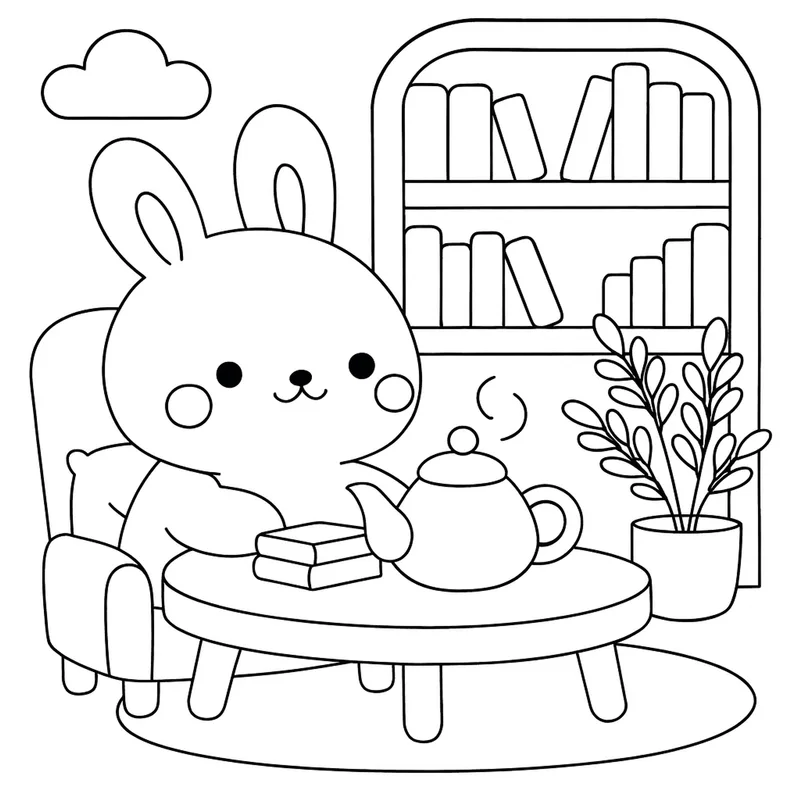
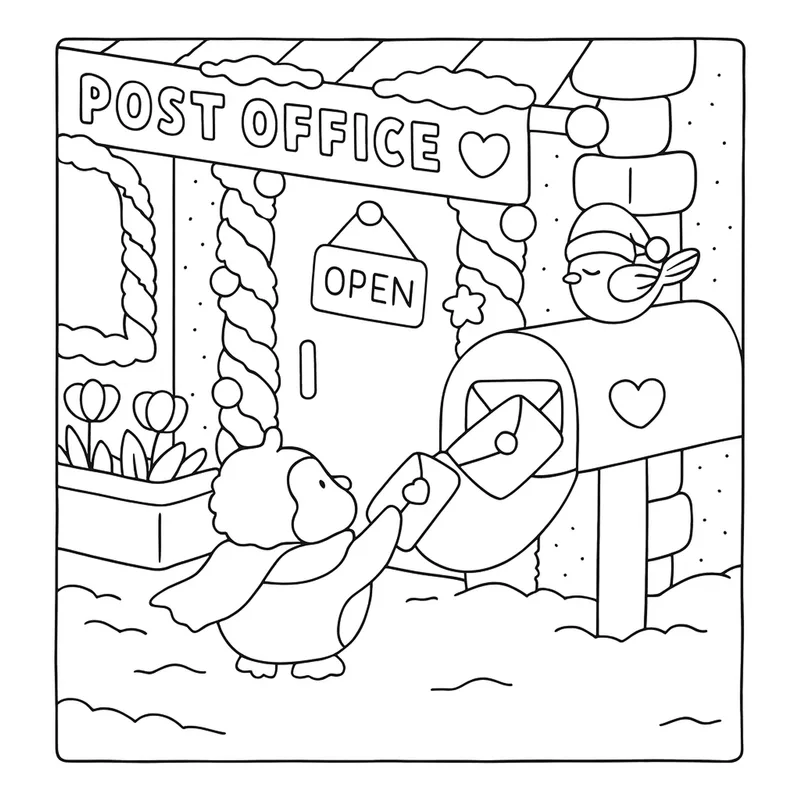
A rabbit having tea. A penguin mailing a letter. Whatever the table asks for.
- 3
Generate
The robot draws clean black-and-white line art, ready in about a minute.
- 4
Print & color
Full-page print view, then the fun part happens off-screen.
The useful bits
Real marker palettes
Color suggestions come from the Ohuhu set on the shelf — actual caps you can pick up, never imaginary colors.
Colored previews
See a finished, colored version of a page before anyone uncaps a marker.
Photo to page
Turn a photo into a colorable line-art scene.
Difficulty levels
From big toddler-friendly shapes to dense pages that fill a quiet Sunday afternoon.
Hot off the printer
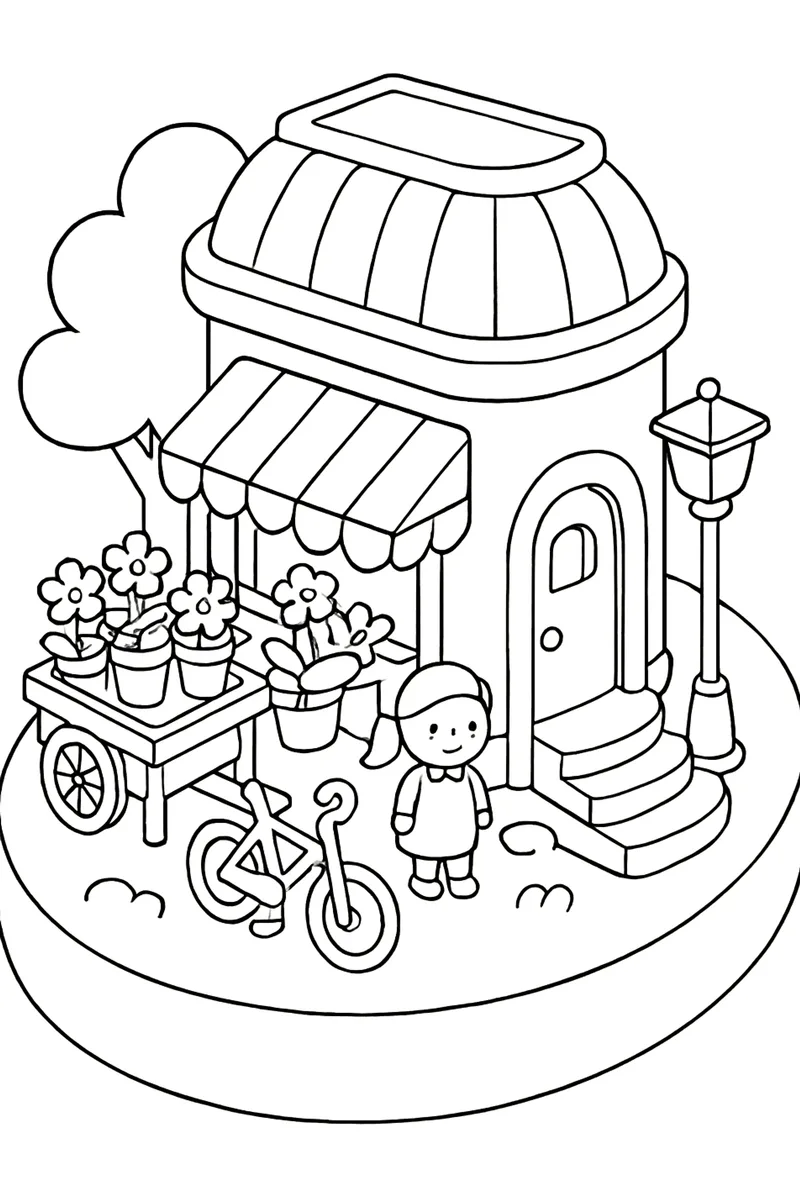
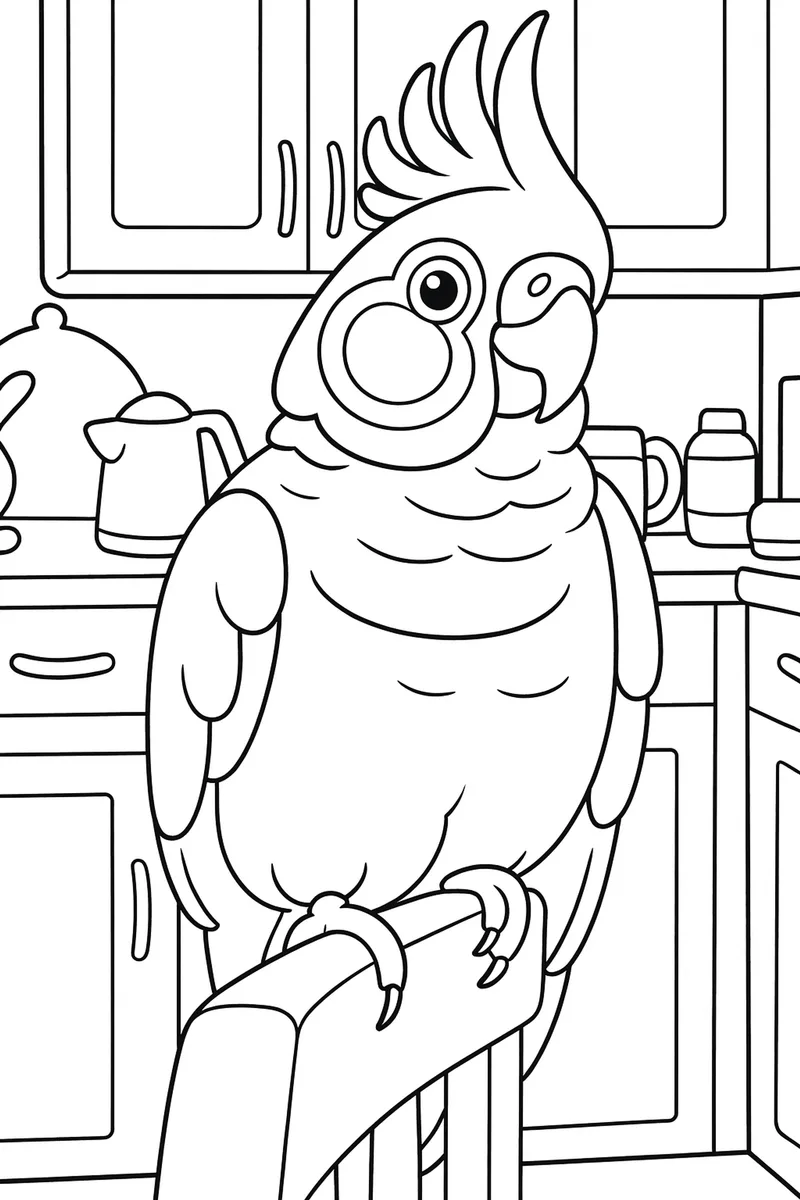
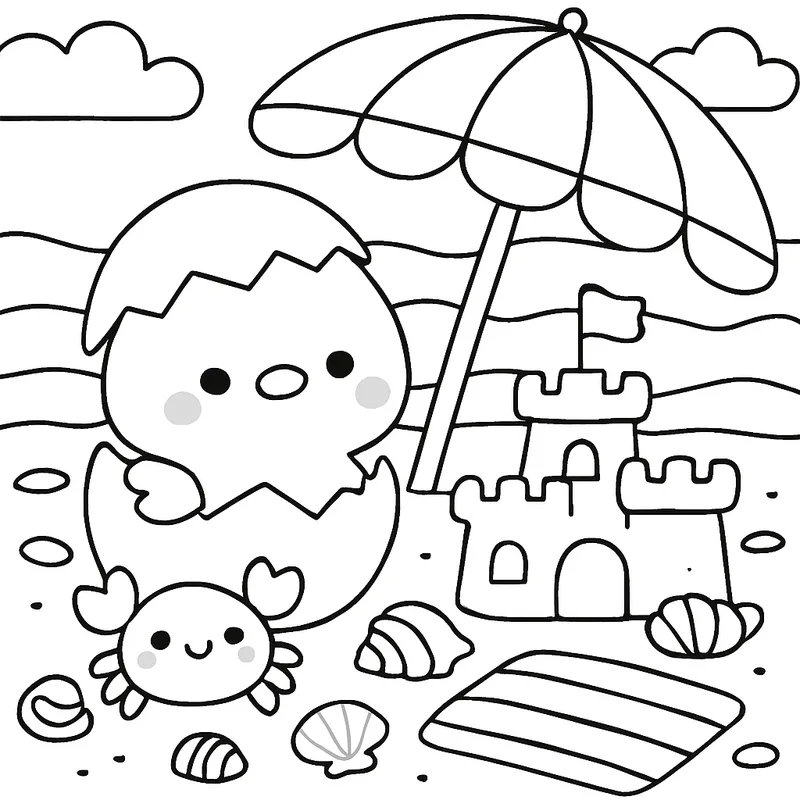
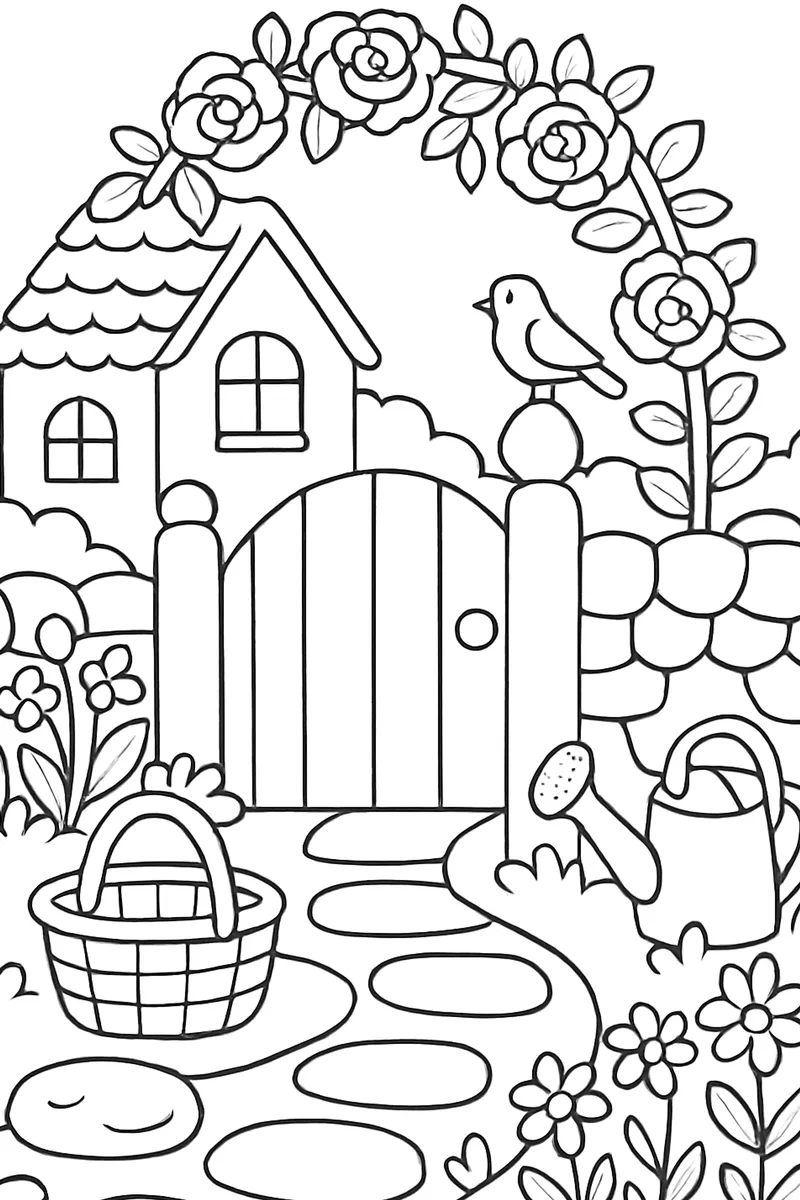
Real pages this app drew for us — before the coloring started.